What the key card holds
| Field | Where it comes from |
|---|---|
| Player name | You type it here |
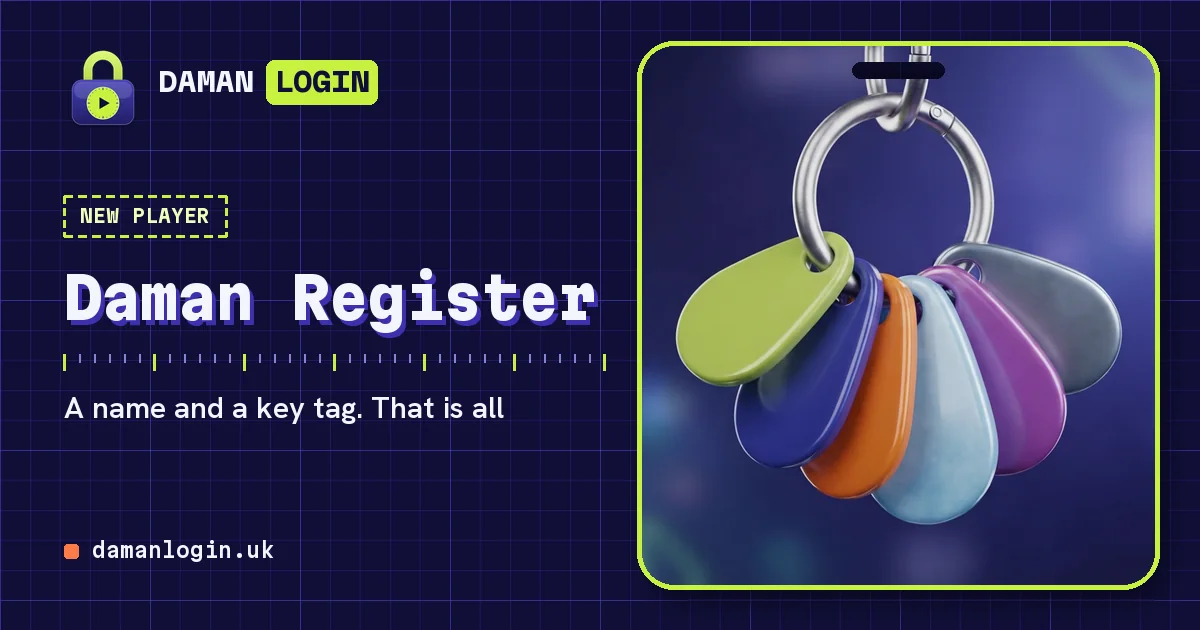
| Key-tag colour | You pick one of six |
| Locks, runs, clean sets | Added after each finished Pin Picker run |
| Best score | Your highest single run |
| Date made | Set by your device when the card is created |
What registering does not ask for
No email address, no phone number, no password, no date of birth and no photo. There is no verification step because there is nothing to verify: the card is yours because it is on your device.
After you register
- Head to the lock on the start page and play a run. When the last pick snaps, the run is added to your card.
- Open the key card page to see your rank grow from New Key towards Vault Hand.
- Copy your key code once you care about the card, so a cleared browser cannot take it from you.
Playing before you register
You do not have to register first. Finish a run without a card and one called Guest is made to hold the score. Come back to this page whenever you like to give it a real name; the locks and scores stay.
Changing or deleting the card
Open this page again to rename the card or change its colour. To delete it, use Log out on this device on the login page. Deleting is final unless you saved the key code first, so copy it if there is any chance you will want the card back.